Power the drive off. Unplug it from the wall, unplug it from the computer, and leave it alone. Do not try to copy your files. Do not run recovery software. Do not power it back on to "check if it's better." Each power cycle on a clicking drive grinds the heads against the platter surface and removes more of the magnetic coating that holds your data. The longer it runs, the less data we can recover.
You're here because a hard drive you depended on five minutes ago is now making a noise that sounds wrong. Maybe a soft repeated tick, like a clock. Maybe a louder thump-and-spin-down pattern. Maybe a grind. Whatever flavour of clicking you're hearing, it almost always means the same physical thing: the read-write heads inside the drive are no longer doing their job, and they are damaging the platters they're supposed to be reading from.
This article walks through what the click actually is, why immediate action matters, what professional recovery does about it, and what your realistic outcomes look like. We've recovered thousands of clicking drives over 16 years across iFix Electronics and now ADR specifically. Most of them got the data back. The ones that didn't usually share one thing in common: the customer kept powering the drive on, hoping it would sort itself out.
What the clicking actually is
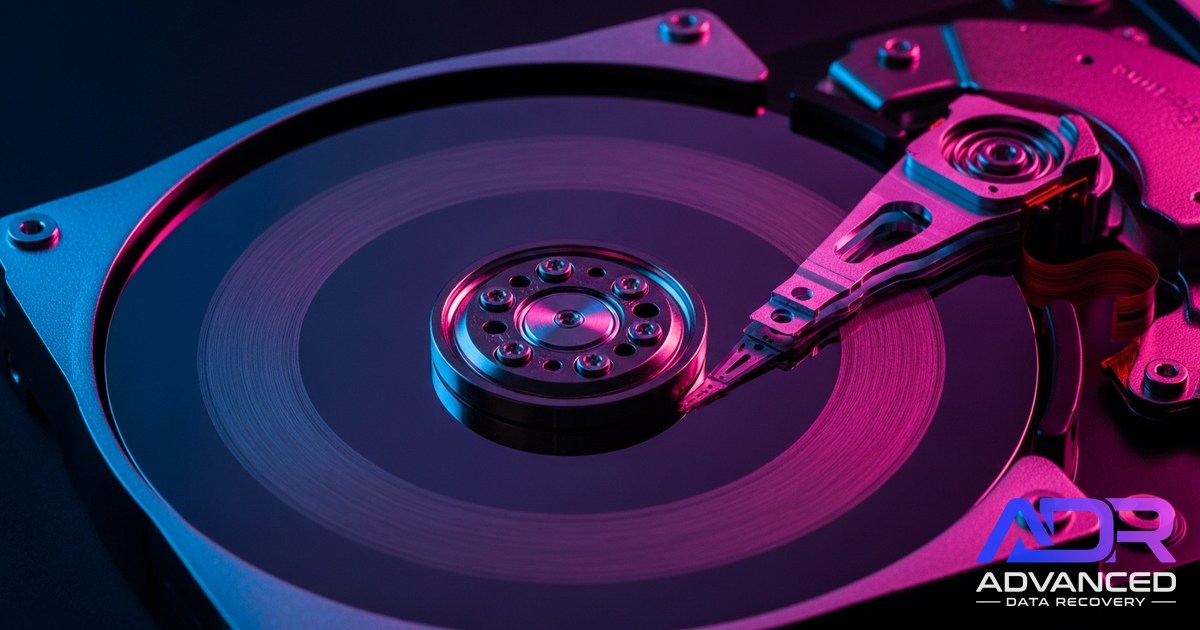
Inside a standard mechanical hard drive there are spinning platters coated in a magnetic layer thinner than a human hair. Floating microscopically above those platters are read-write heads, one per surface, suspended on tiny arms that swing in and out as the drive reads and writes. The heads never touch the platter when the drive is healthy. The gap between them and the magnetic surface is smaller than a particle of smoke.
The clicking you're hearing is the sound of those heads trying to do their job and failing. There are a few reasons it happens, all bad:
- Head crash. The head has physically contacted the platter, either from impact, age, or thermal stress. Once that contact happens, the head is usually damaged and may be dragging across the magnetic surface.
- Stuck heads. The heads have come to rest on the platter (instead of in their parked position) and can't lift off. The drive keeps trying to spin them up and reset.
- Bad servo data. The heads can't find the navigation tracks that tell them where they are on the platter. They keep recalibrating, which sounds like a regular click as the arm slams back to its reference position.
- Failing preamp or controller. The electronics that drive the heads have failed. The heads physically work but they're getting bad signals.
From the outside they all sound similar. From inside the drive, they're different failures with different recovery paths. Your job isn't to diagnose which. Your job is to stop the drive from making things worse.
Why every power-on makes it worse
Here's the thing about a head crash that most people don't intuitively understand: the damage is not a single event. It compounds.
When a head is dragging across the platter, every rotation of the disk (typically 5,400 or 7,200 times per minute) takes another pass over the magnetic surface. Each pass can do two things: scrape off some of the magnetic coating where the data lives, and embed microscopic debris into the platter that creates further damage on subsequent passes. A drive that might have been recoverable after 10 seconds of clicking can be unrecoverable after 30 minutes of "let me just try to copy my photos off real quick."
Every customer who calls us about a clicking drive has the same instinct: "I just need to copy off the important folder before it dies completely." This instinct is wrong. The drive is not going to last long enough for that copy to finish, and the attempt itself accelerates the damage. The recovery cost goes up the longer the drive runs. The chance of full recovery goes down.
Different click patterns, different failures
This is more about pattern-recognition than self-diagnosis (you're not going to fix this yourself either way), but it helps to know what we're listening for when you describe it on the phone.
Slow, regular tick (about once per second)
Often servo-related. The heads can't find their reference and reset back to the home position once per second. Sometimes the drive will eventually spin down and report a fault. This pattern is one of the more recoverable variants if the drive is stopped quickly.
Rapid clicking, then spin-down
Classic head crash signature. The drive attempts initialisation, fails, retracts the heads, spins down, then tries again. Each attempt adds wear. Recovery here often requires opening the drive in a cleanroom and replacing the head stack.
Grinding or scraping
The worst sound. The heads are in physical contact with the platter and the drive is still trying to spin. This is the situation where every second matters most. We've seen drives go from 90% recoverable to 30% recoverable in under five minutes of grinding.
One loud thunk and then silence
Usually means the drive failed cleanly and stopped trying. Counter-intuitively, this is often a better situation than constant clicking, because the damage didn't keep accumulating.
If your drive is clicking right now
The phone line is open. Tell us what you're hearing, what's on the drive, and we'll tell you whether to bring it in or send it.
How professional recovery handles a clicking drive
This part is technical but worth understanding because it explains why clicking drive recovery sits in the Critical tier rather than the cheaper Logical or Hardware tiers.
When a clicking drive arrives at the workshop, the first thing we do is not power it on. We open it in a controlled environment, inspect the head stack and platters under magnification, and decide on an approach before any current touches the drive again.
The typical recovery path looks like this:
- Visual assessment. Are the platters scored? Is debris visible? Is the head stack obviously crashed or melted?
- Donor matching. If the heads need replacing, we need a donor drive of the exact same model, firmware version, and platter count. This is often the hardest part of the job. Donors can take days to source.
- Head transplant. In a Class 100 cleanroom environment, the failed head stack is removed and the donor heads installed. This is done under microscope, with custom tooling. One particle of dust on the platter at this stage can ruin the recovery.
- Forensic imaging. Once the drive is functional again, we don't try to copy files off it. We image the entire drive bit-for-bit to a healthy target, often with multiple read passes to handle bad sectors. All recovery work happens against the image, never the original.
- File system reconstruction. The image is mounted on a controlled environment, the file system is checked, and your data is extracted to a new drive.
The cleanroom step is the part that can't be skipped. The interior of a hard drive is cleaner than an operating theatre. Opening one in a normal room is the same as throwing the platters in the dishwasher. A single dust particle becomes a head-killer at 7,200 RPM.
Can you fix it yourself?
The internet is full of two recovery myths that need killing.
The freezer trick. "Put your drive in a sealed bag, freeze it for a few hours, then try to read it." This was a workaround for a very specific failure mode in drives from the early 2000s where bearings would seize. Modern drives don't have that failure mode and the freezer introduces condensation that finishes off any drive that wasn't already finished. Don't do it.
Software recovery on a clicking drive. Recovery software (Recuva, EaseUS, Disk Drill, etc.) is built for one situation: a healthy drive with logical problems. Deleted files, corrupted partition tables, formatted volumes. These tools work by reading the drive at the sector level. A clicking drive can't reliably read at the sector level. Running recovery software on a clicking drive does the same damage as any other read attempt and rarely produces useful output. The software is right for a different problem.
Opening the drive yourself. Please don't. The interior contamination from a normal room ruins drives. We've recovered drives that other shops have given up on. We've also received drives opened on a kitchen table by well-meaning customers, and those are usually unrecoverable by anyone, including us.
What success looks like
Realistic outcomes for a clicking drive recovery, based on what we typically see. Note that these recovery rates depend on the specialist cleanroom work and donor drive sourcing that puts clicking drives in our Critical Recovery tier. The high success rates exist because of, not separate from, the work that the tier pays for.
- If you stopped the drive within seconds of the noise starting: 80-95% chance of full recovery, depending on the underlying failure.
- If you let it run for hours or days hoping it would settle: 50-70% chance, with possible holes in the recovered data where the heads damaged specific tracks.
- If you ran recovery software while it was clicking: Worse. 30-60%.
- If you opened it yourself or had someone else open it outside a cleanroom: Often unrecoverable. Sometimes 10-20% of the data is salvageable, sometimes none.
Timeframe for a mechanical recovery from a clicking drive is usually two to four weeks. Most of that is donor sourcing. The actual head transplant takes a day. Imaging the drive can take another few days, especially if there are bad sectors that require slow re-read passes.
Recovery from a clicking drive falls in our Critical Recovery tier (from $3,000, quoted per case). The work involves Class 100 cleanroom intervention, donor drive sourcing, and head transplant. This work goes beyond what bench-level hardware recovery covers. You see the fixed quote before any work begins. If we can't recover the data, you pay only the $150 attempt fee, never the full recovery price.
What to do right now
If your drive is still spinning and clicking as you read this:
- Power it off. Now.
- Leave it off. Don't power it on to "test" or "see if it's better."
- If it's an external drive, unplug it from the wall and the computer. Put it somewhere safe.
- If it's an internal drive, leave the machine off.
- Call us on (02) 4311 6146 or book it in via the form. We'll give you the shipping address and a job reference.
The longer the gap between when the clicking started and now, the less control you have over the outcome. The shorter that gap, the better the chances. There is no failure mode where waiting longer helps.